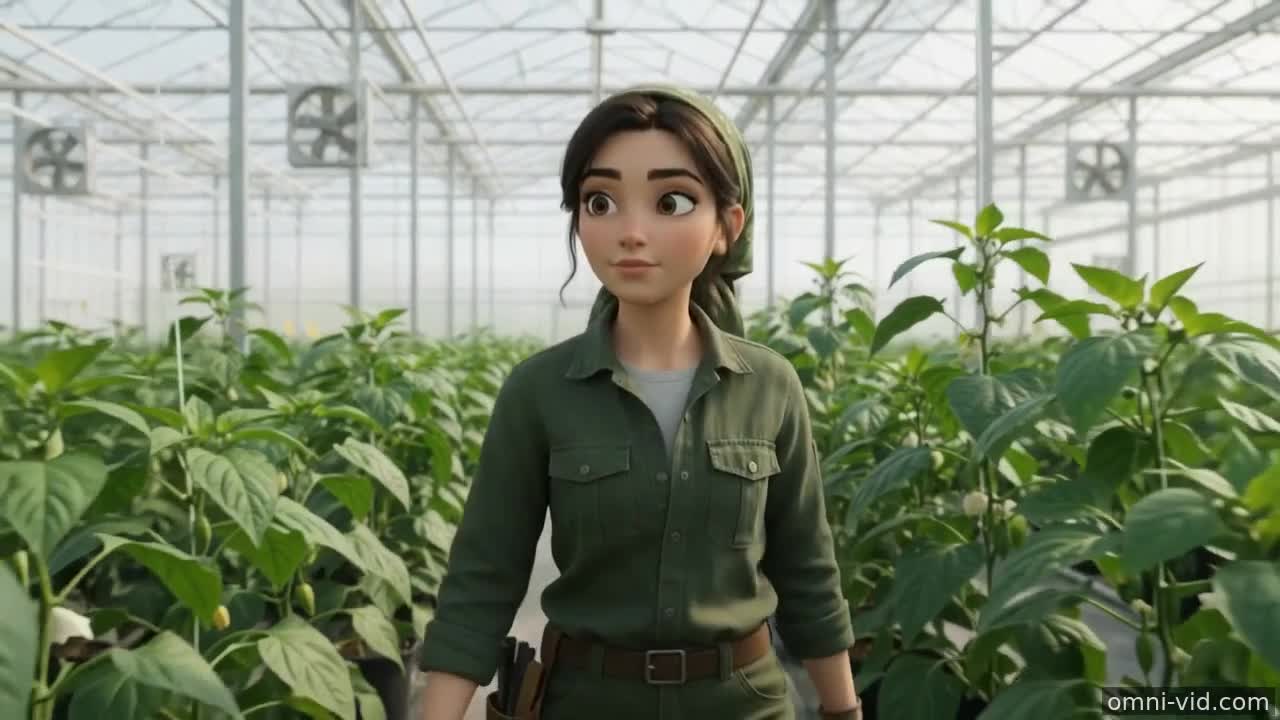
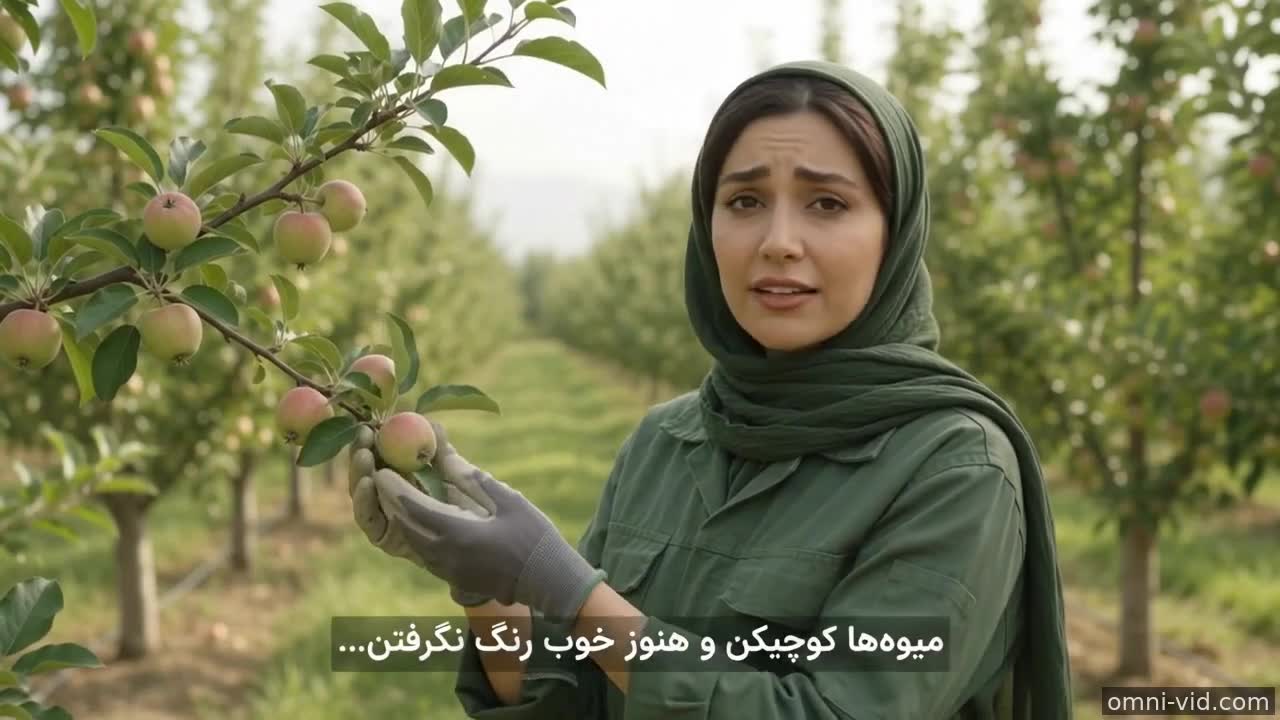
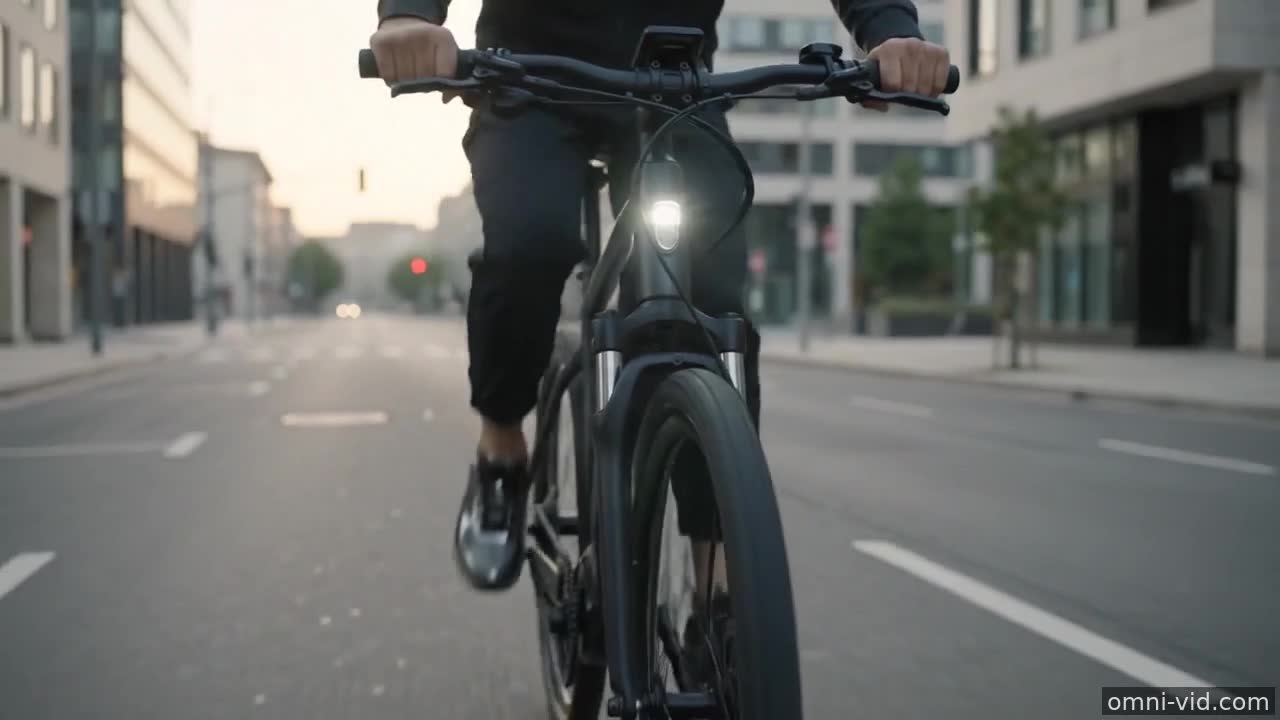
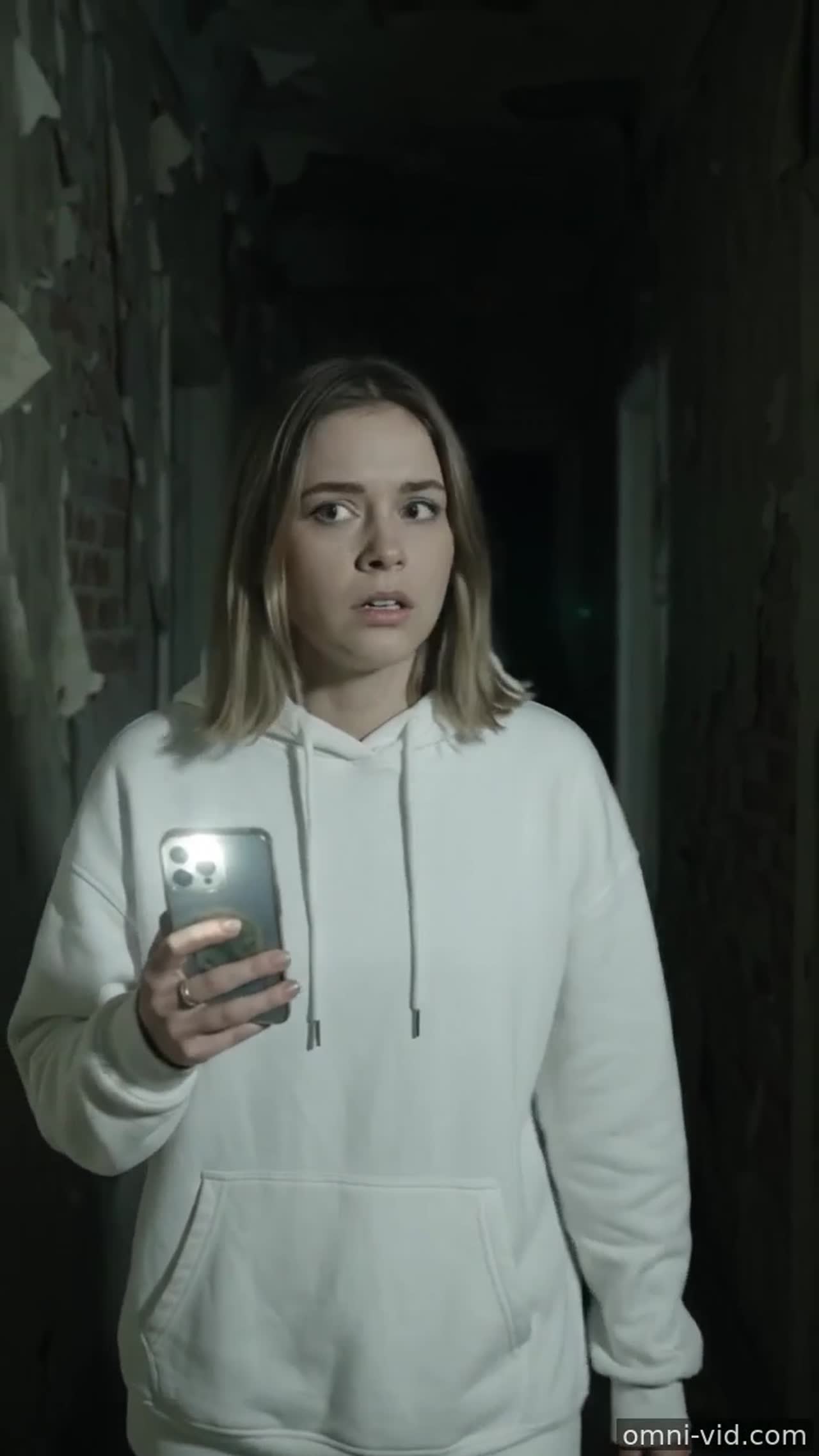
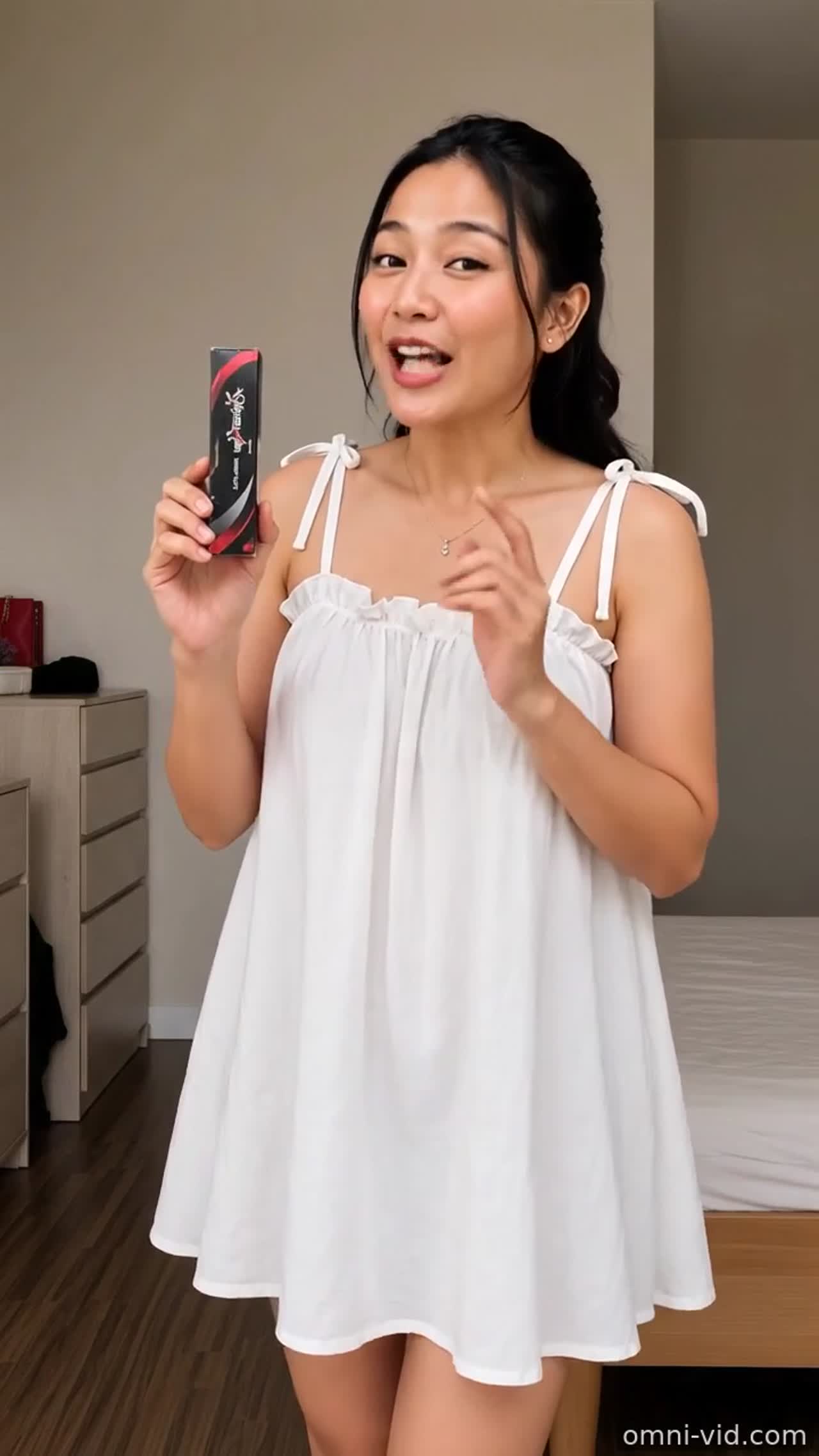
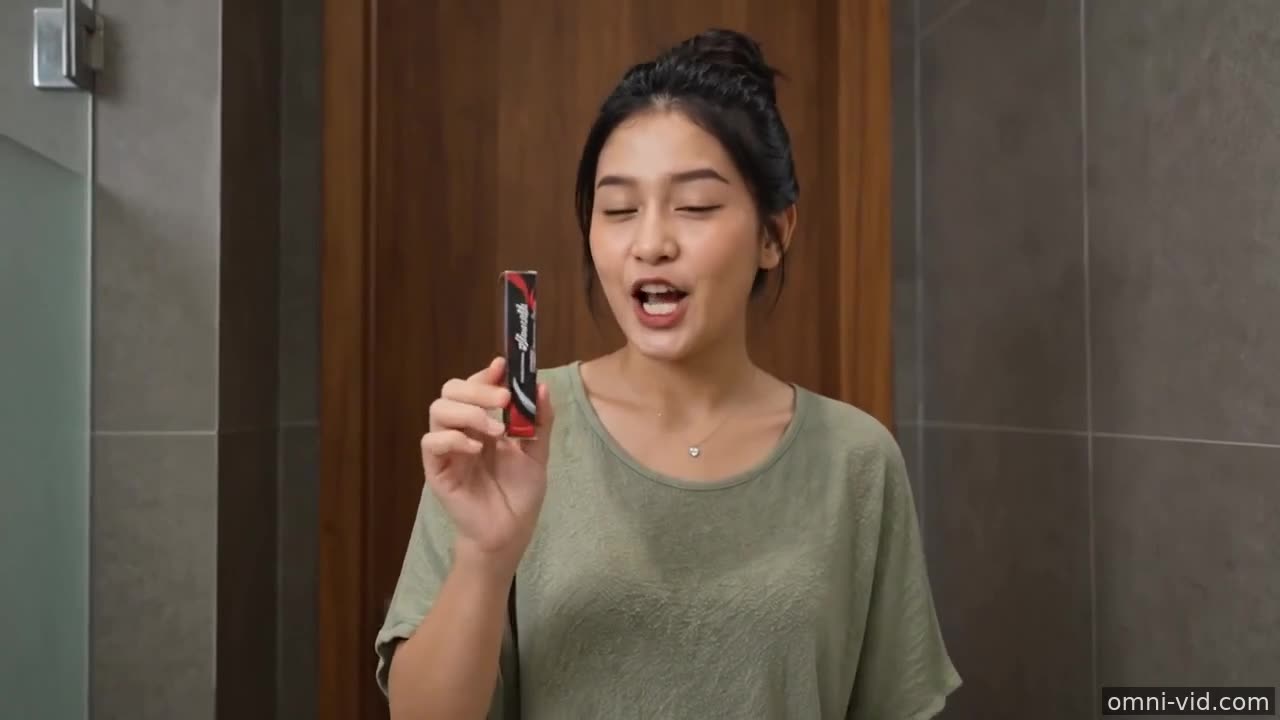
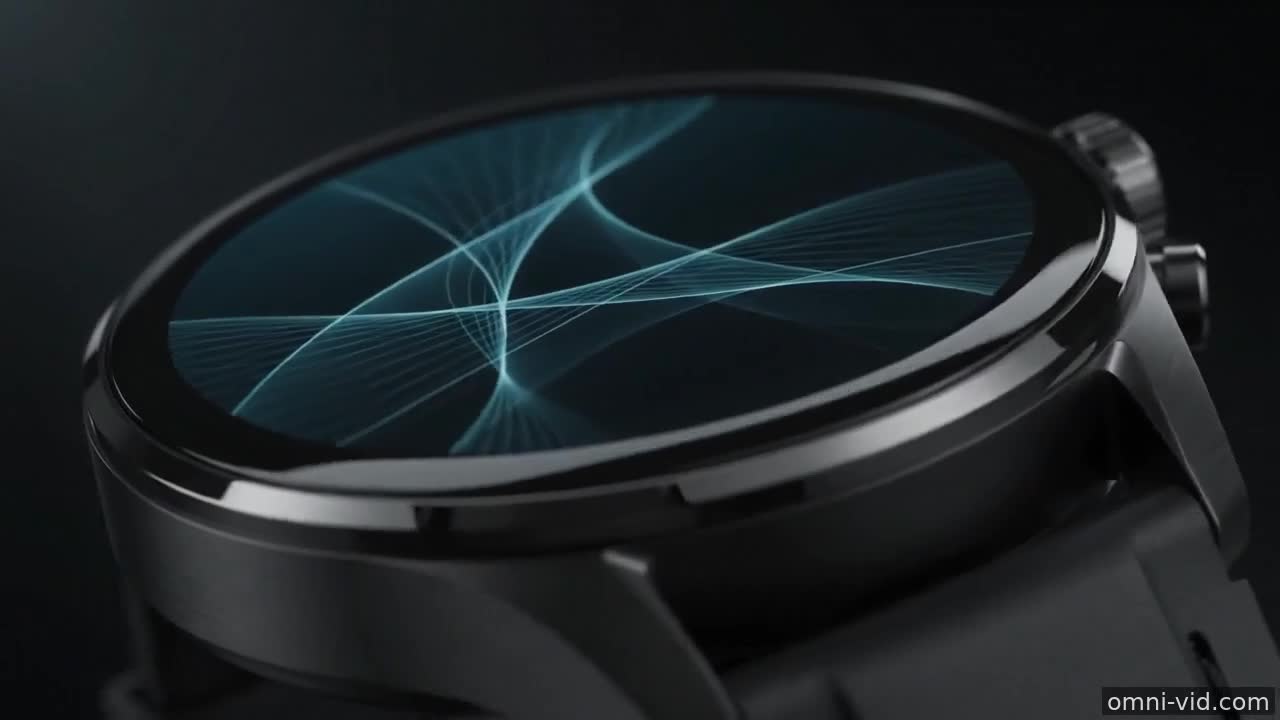
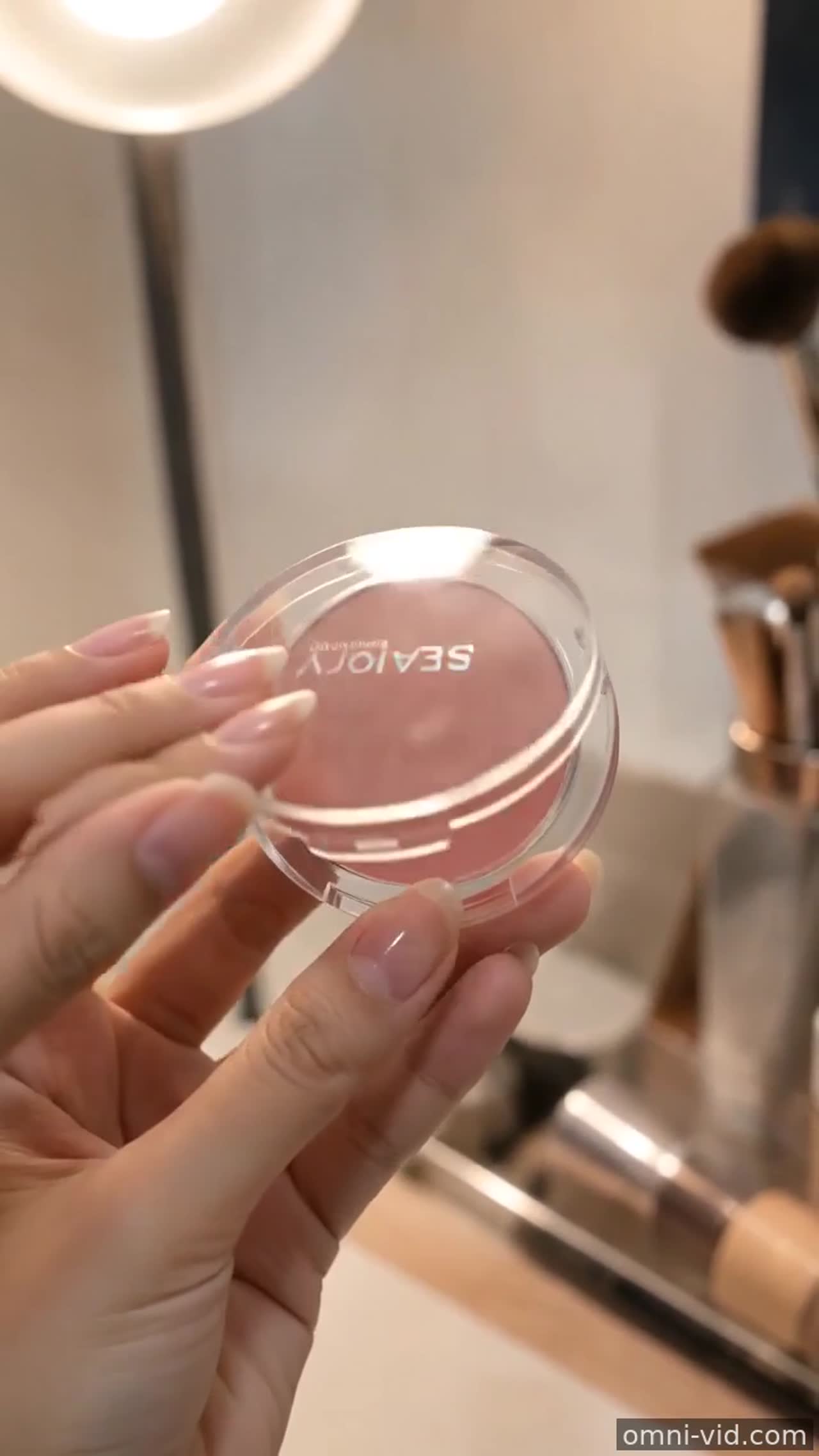
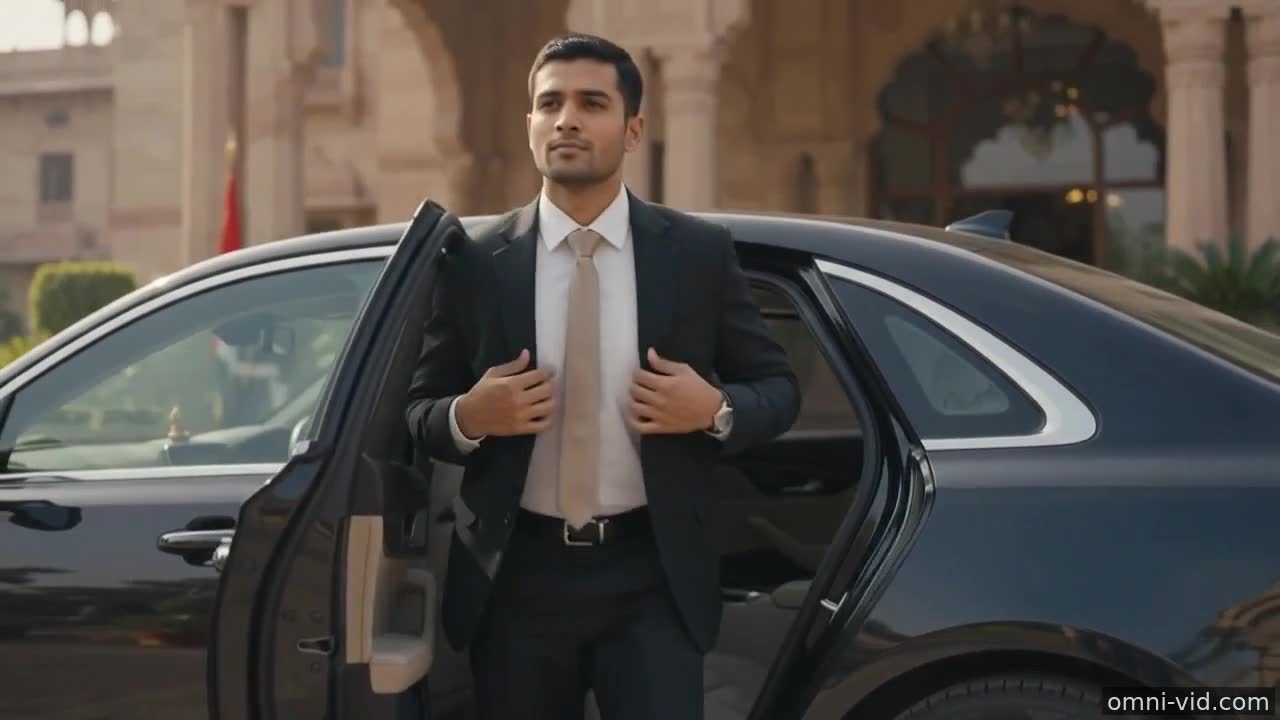
AI video examples
What to learn from the Omni AI video showcase
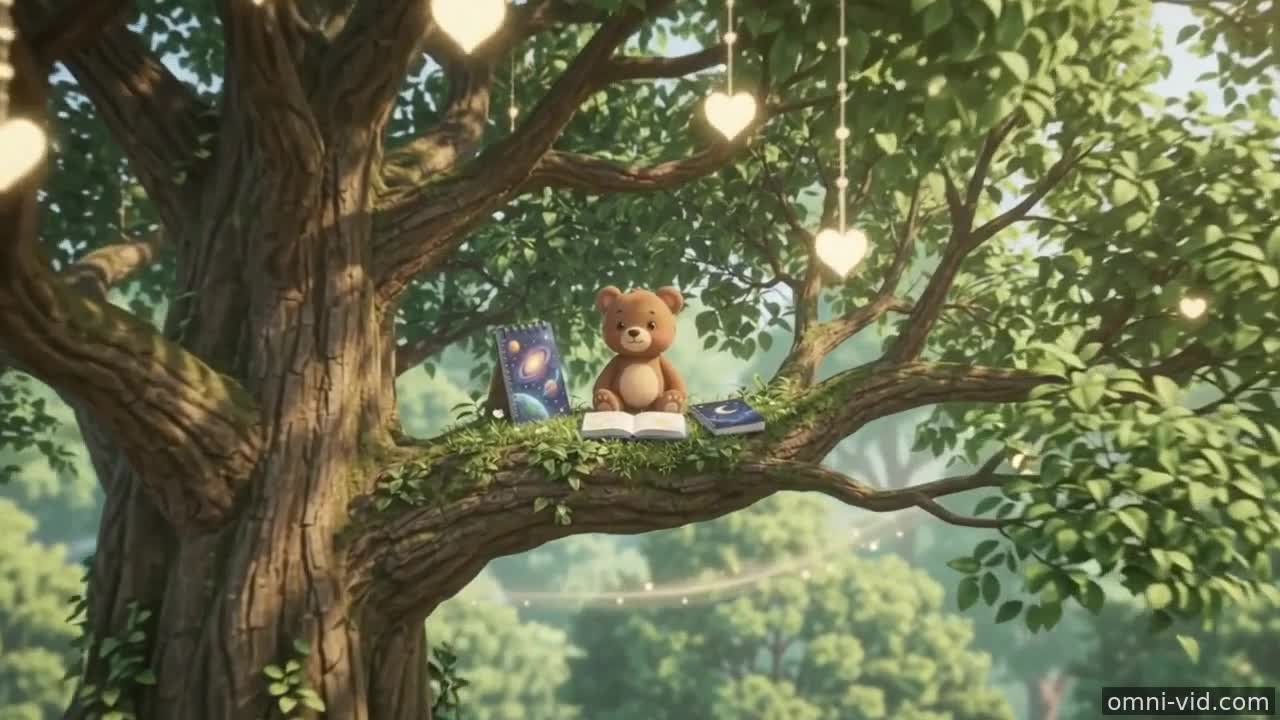
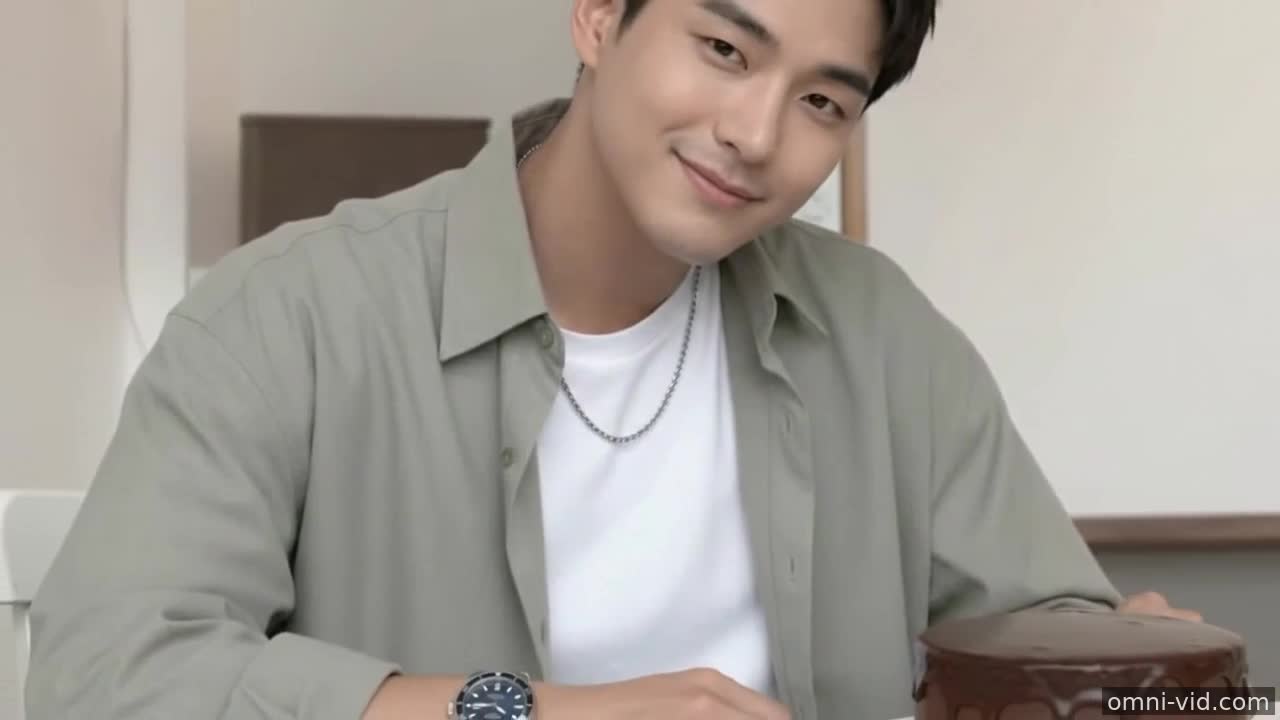
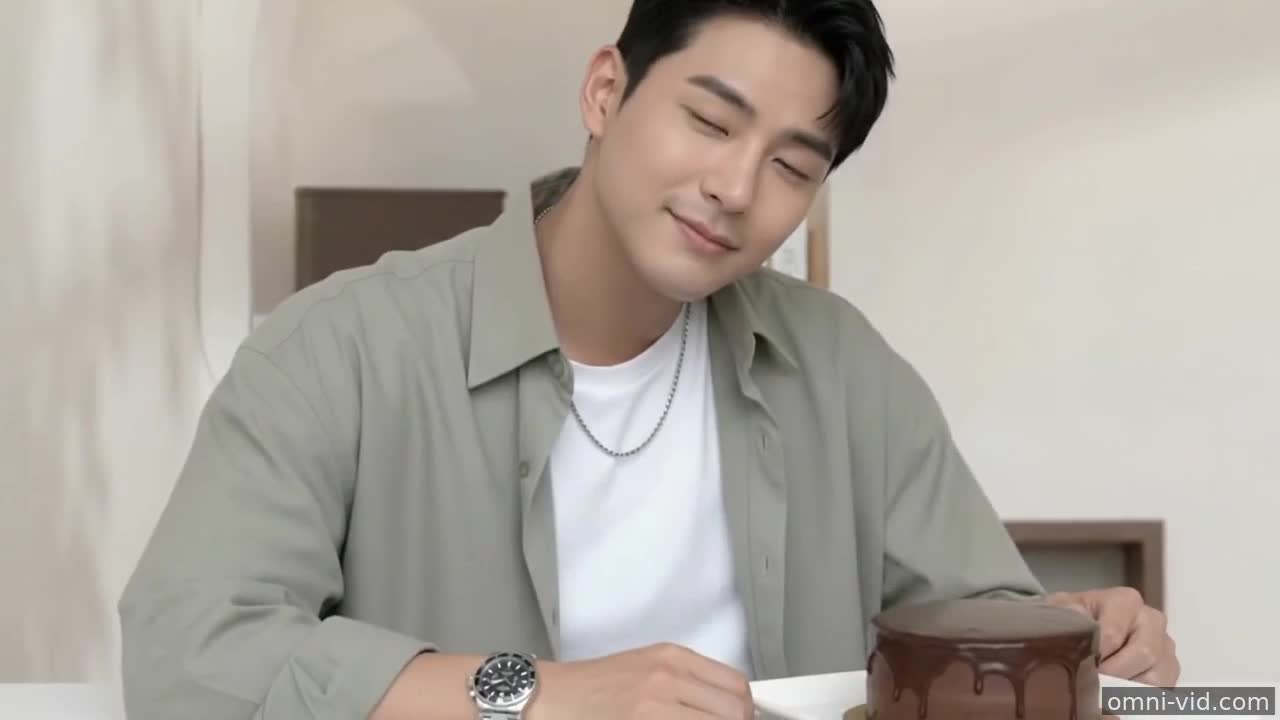
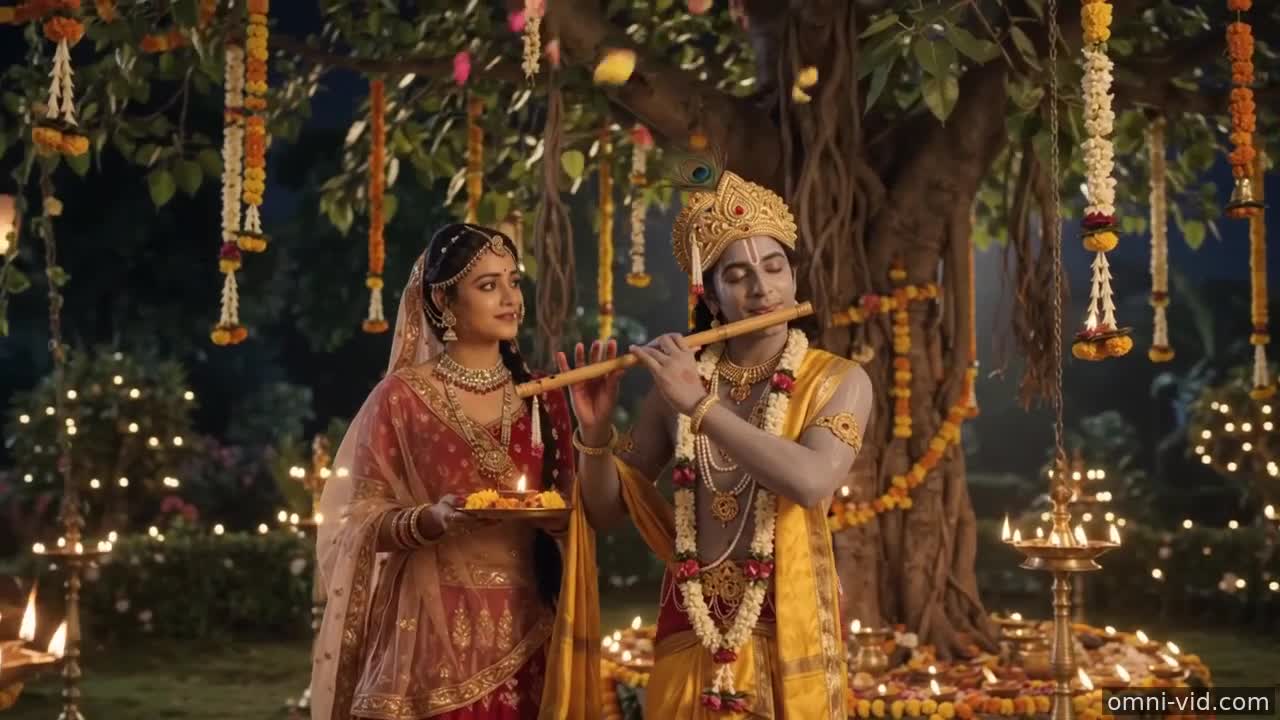
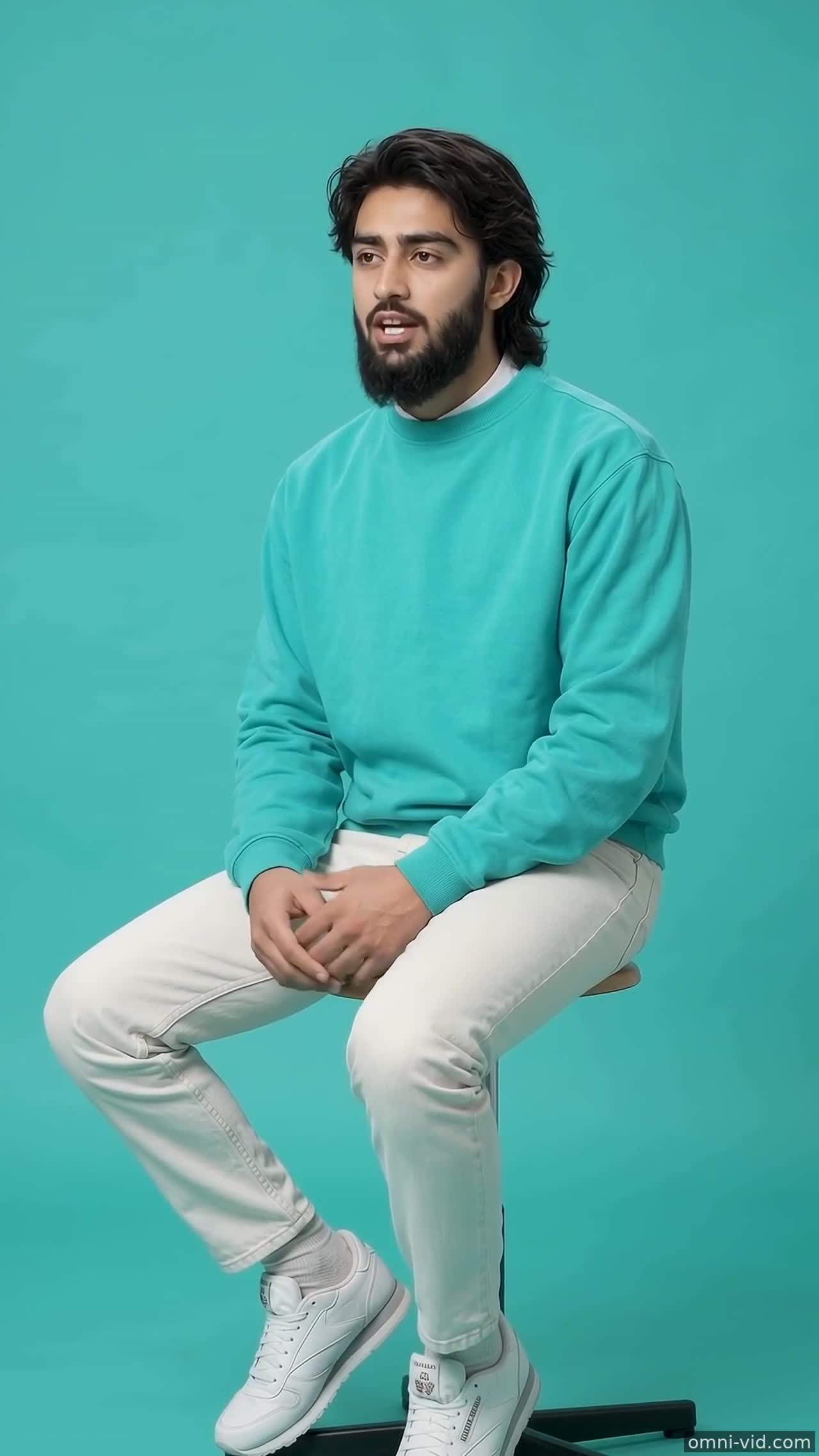
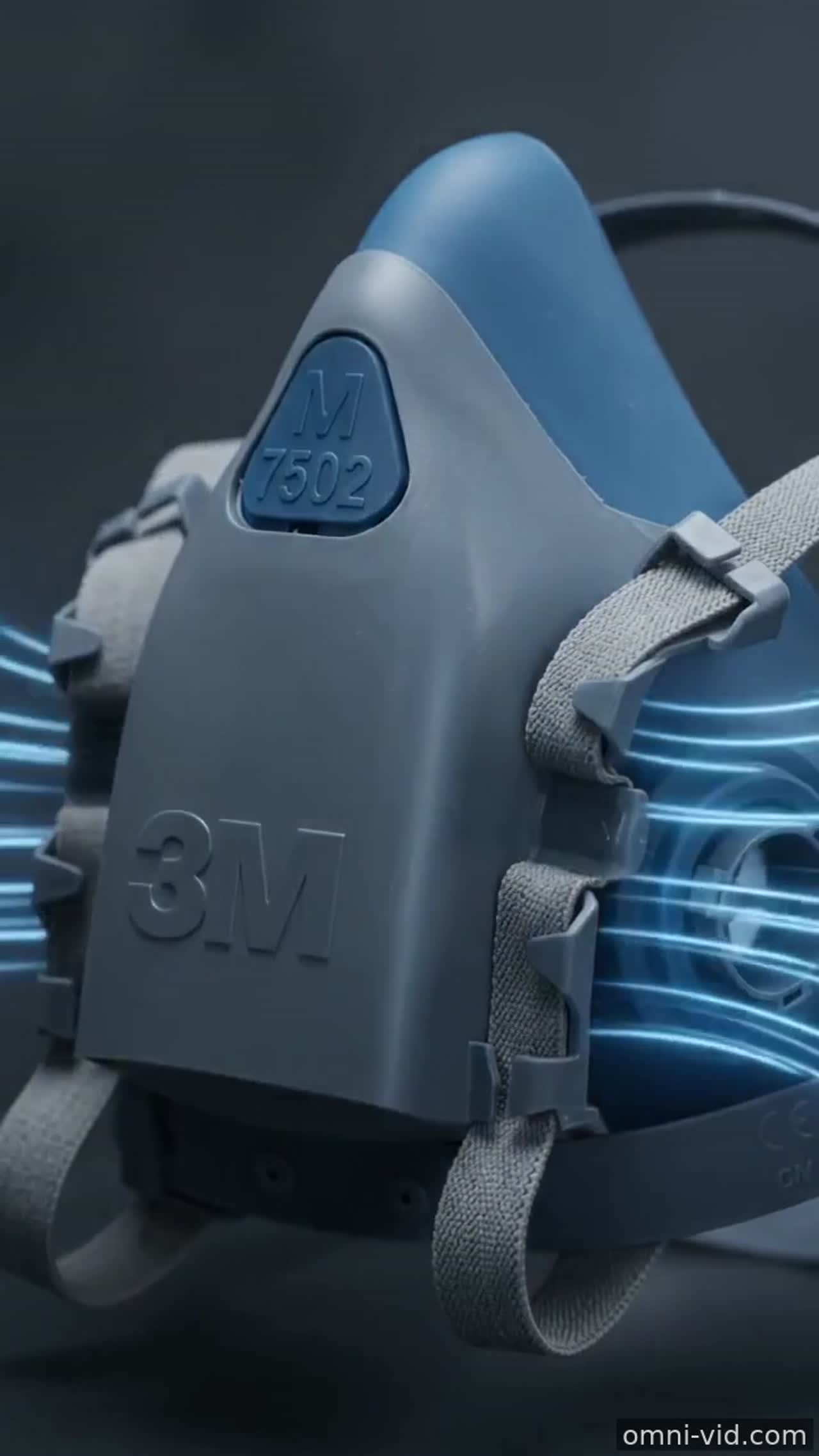
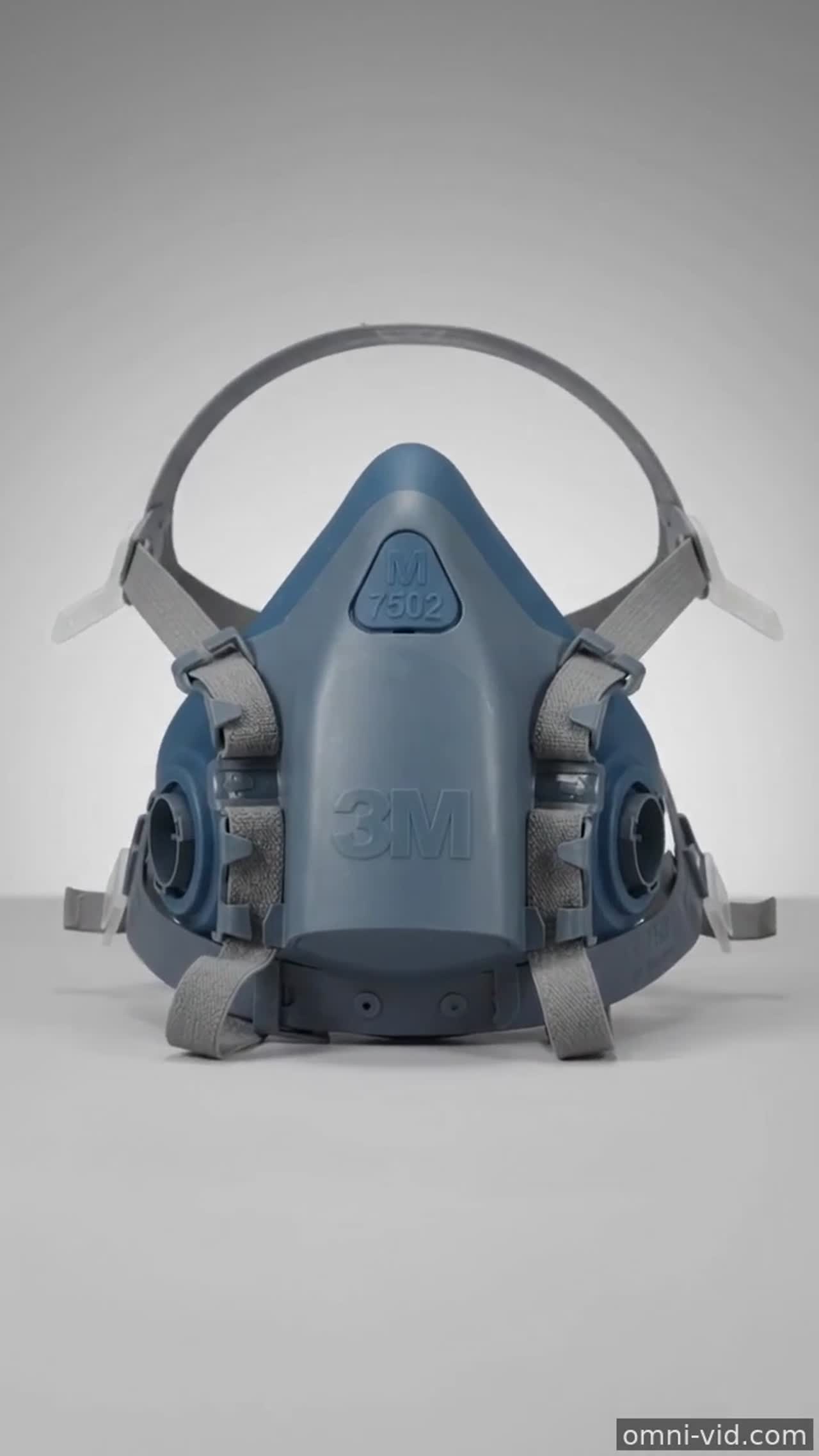
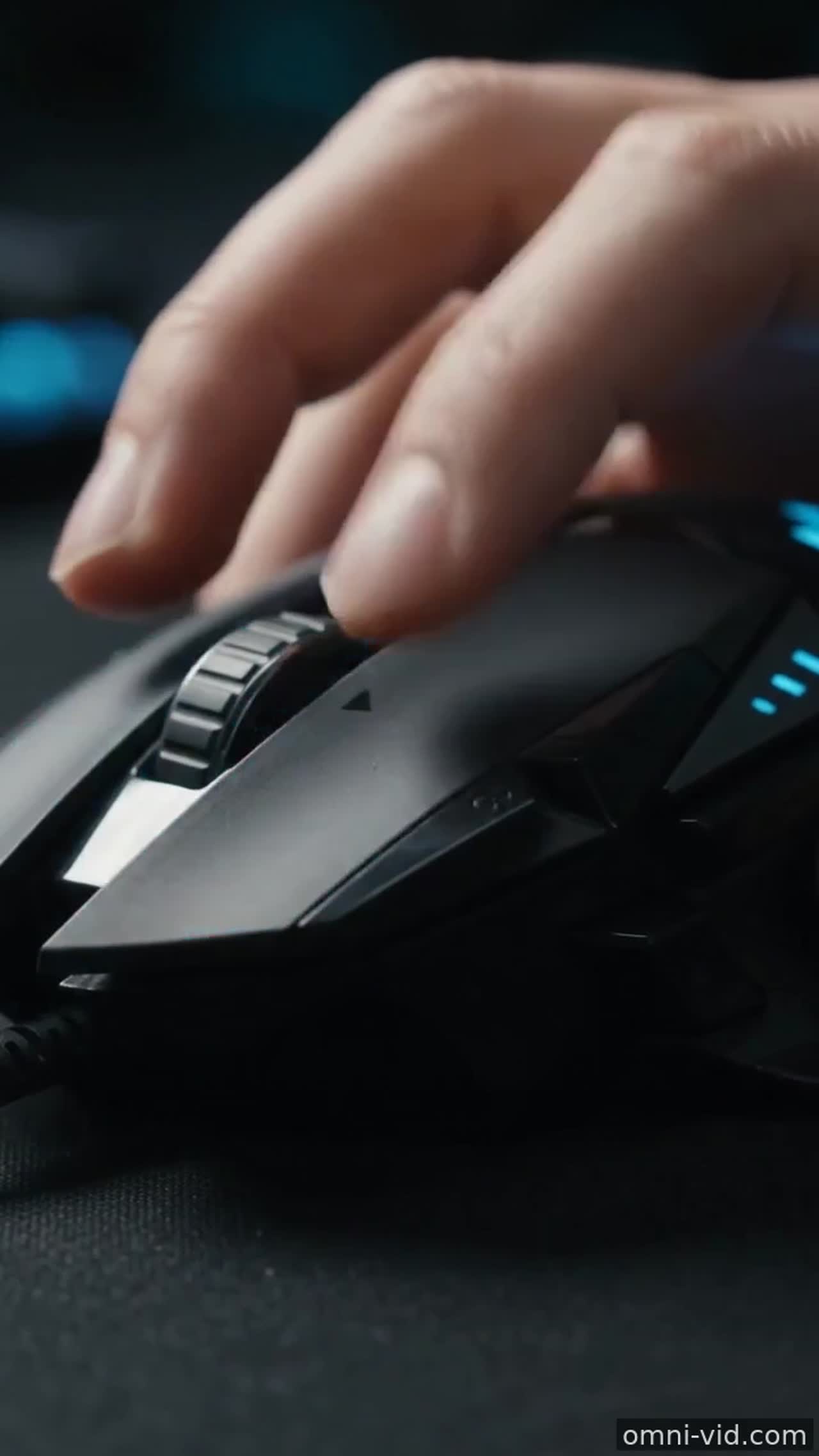
The showcase is more than a gallery. It is a practical reference library for creators who want to understand how text prompts, source images, camera motion, and Gemini Omni Flash settings affect the final video.
Use examples to plan better prompts
Before generating a new clip, study how each example frames the subject, describes the scene, and chooses a motion direction. A strong AI video prompt usually includes the subject, environment, camera movement, lighting, style, and intended use. Short prompts can work, but the most reliable results come from clear creative direction rather than vague adjectives.
- Start with one clear subject instead of many competing objects.
- Describe one camera move such as slow push-in, orbit, pan, or dolly forward.
- Mention the final format: product ad, social media hook, landing-page hero, or concept clip.
Text-to-video versus image-to-video results
Text-to-video examples show how far you can go from a written idea alone. Image-to-video examples show a different workflow: the visual identity comes from your uploaded photo, artwork, or product shot, while the prompt controls motion and atmosphere. If brand consistency matters, image-to-video is usually the safer starting point. If you are exploring a new scene, text-to-video gives more creative freedom.
Why short videos work well with Gemini Omni Flash
Omni focuses on short, useful clips rather than long-form editing timelines. This makes the showcase helpful for ecommerce teams, indie creators, marketers, and founders who need quick visual tests. A five-to-ten second clip can validate a product angle, refresh a static landing page, or create a social media hook without planning a full production shoot.
How to turn an example into your own video
Pick an example close to your goal, rewrite the subject, keep the motion simple, and generate one variation at a time. If the first result is unstable, reduce the number of actions, use more concrete visual details, or switch from pure text-to-video to image-to-video with a strong reference image. The fastest workflow is to create a baseline clip, adjust only one part of the prompt, then compare results. Treat each showcase clip as a prompt pattern: subject plus environment, one camera move, one lighting direction, and one clear publishing goal. That habit makes future generations faster, cheaper, and easier to brief.